.png)




How do I redeem?
Updated
After your purchase, we'll send you a receipt. You will then be able to redeem your voucher via the Wowcher App, or the 5pm app, or the Things to Do app if you've bought from them. (For shorthand here we're just going to call it the Wowcher app from now on.)
You will need the Wowcher/5pm/Things to Do app to redeem.
If you're on a desktop machine then go to the My Wowchers/My Vouchers page and click "Redeem" next to the voucher in question. With your phone, scan the QR code that is now displayed, this will open the Wowcher app on your phone, show you the voucher, and allow you to redeem.
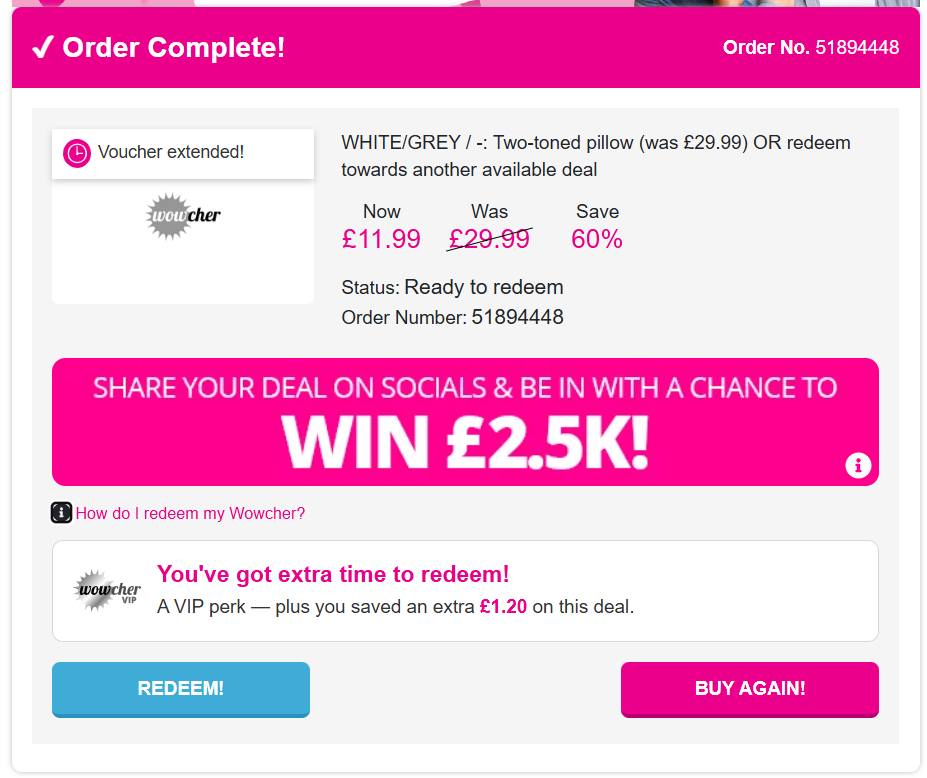
Full instructions on what to do will be right there in the voucher on the app.
If you don't have the Wowcher app you can download it via your device's app store.
.png)
Please see this short video on how to redeem.
https://static.wowcher.co.uk/binaries/how-to-redeem-product-voucher-unbranded-portrait.mp4